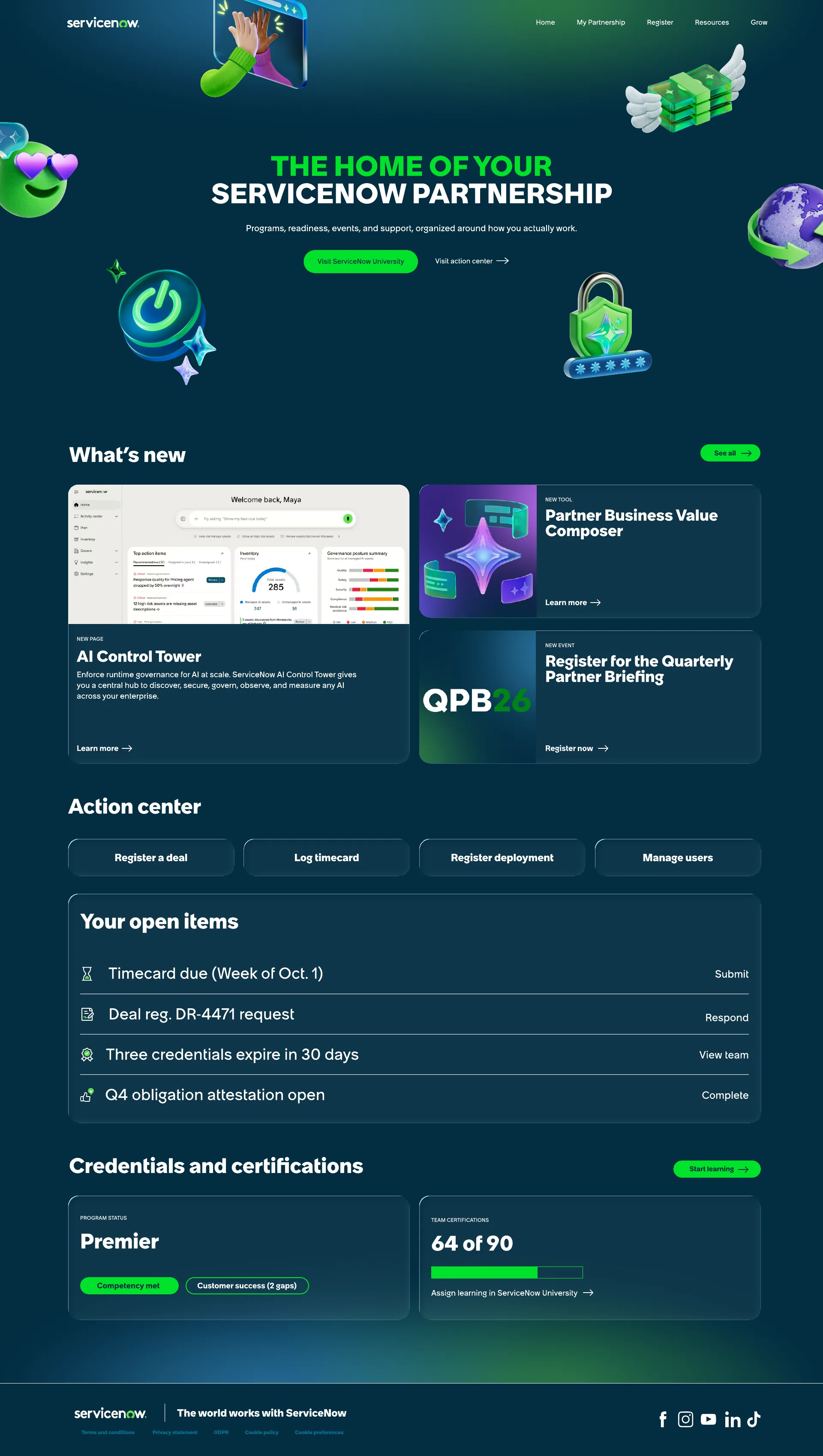
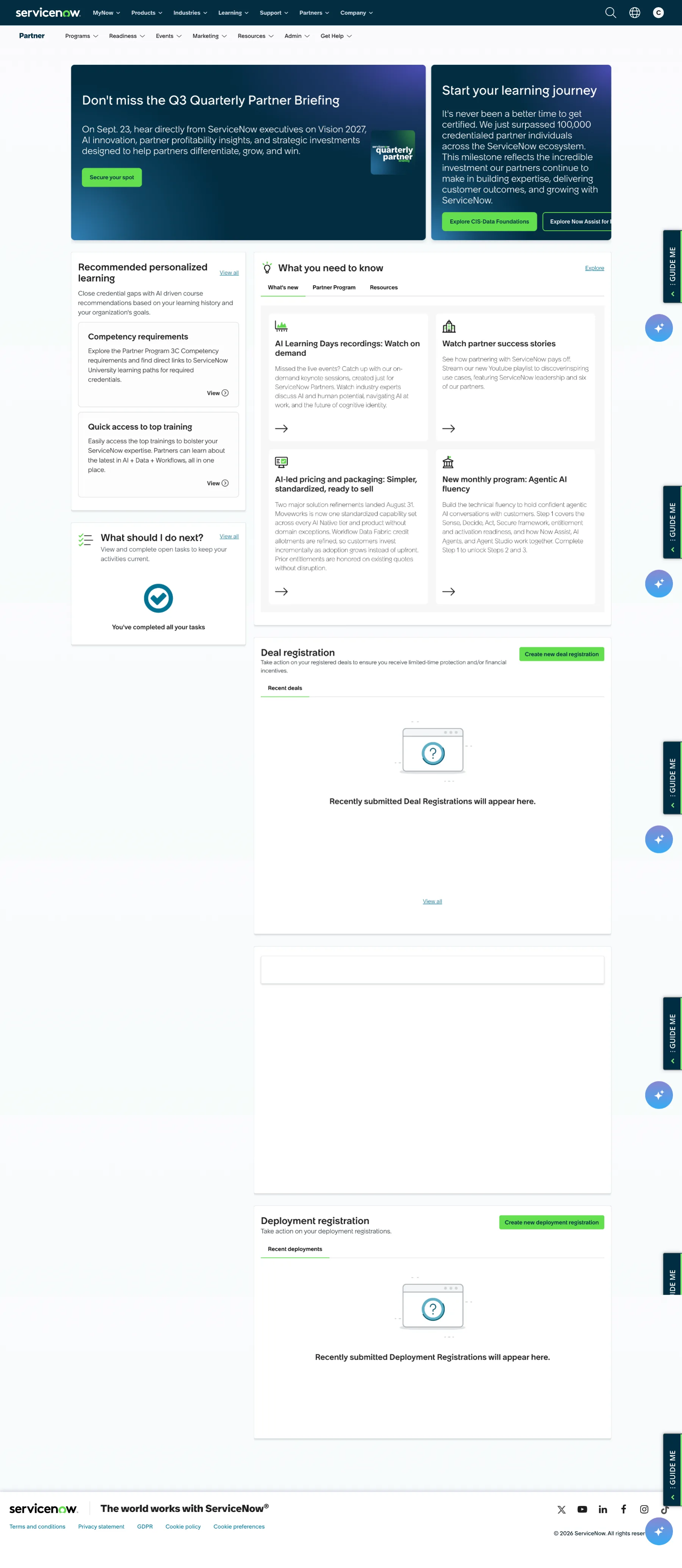
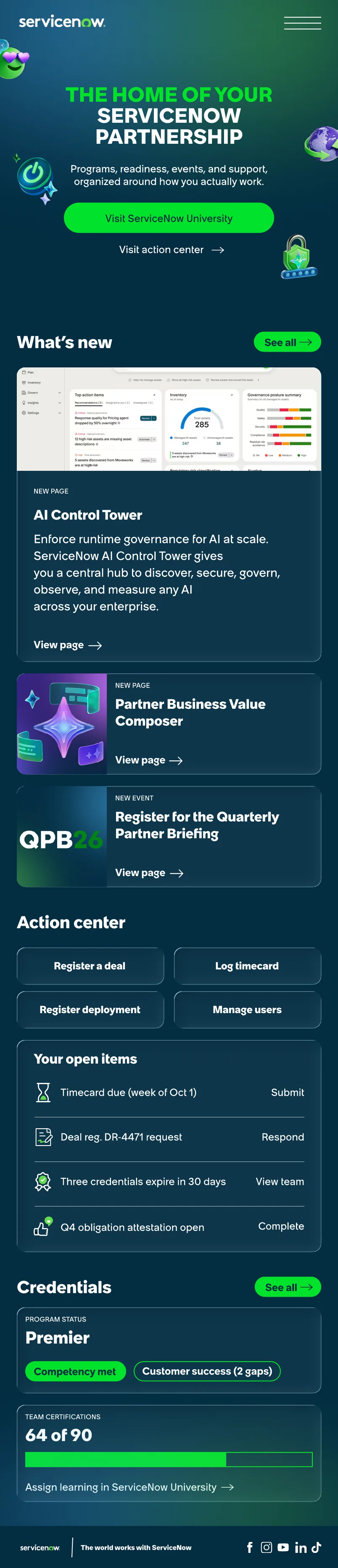
Partner Comms Image Builder
A self-serve image tool that cut thumbnail design requests by about 90% and turned a 25-minute Photoshop task into a 3-minute one.
- Role
- Sole designer and builder
- Team
- Six reviewers: creative, program management, UX, copy
- Timeline
- April–May 2026, 19 versions, launched in June
- Tools
- HTML, CSS, JavaScript, html2canvas, Claude
Problem
Our team handles around 200 thumbnail requests a year, each with 3–10 assets, and each thumbnail took 20–30 minutes in Photoshop. When our AI launch compressed timelines, the queue backed up across email, comms, events and social.
People didn't wait. They made their own images, and those images drifted off brand. The real problem wasn't that design was slow. It was that the only fast path was the off-brand one, so my goal was to make the on-brand path the fastest.
My role
I was the sole designer and builder: request audit, information architecture, interaction and visual design, front-end build and rollout. Claude handled implementation under my direction. Six reviewers across creative direction, program management, UX and copy reviewed the build.
Process
Solution
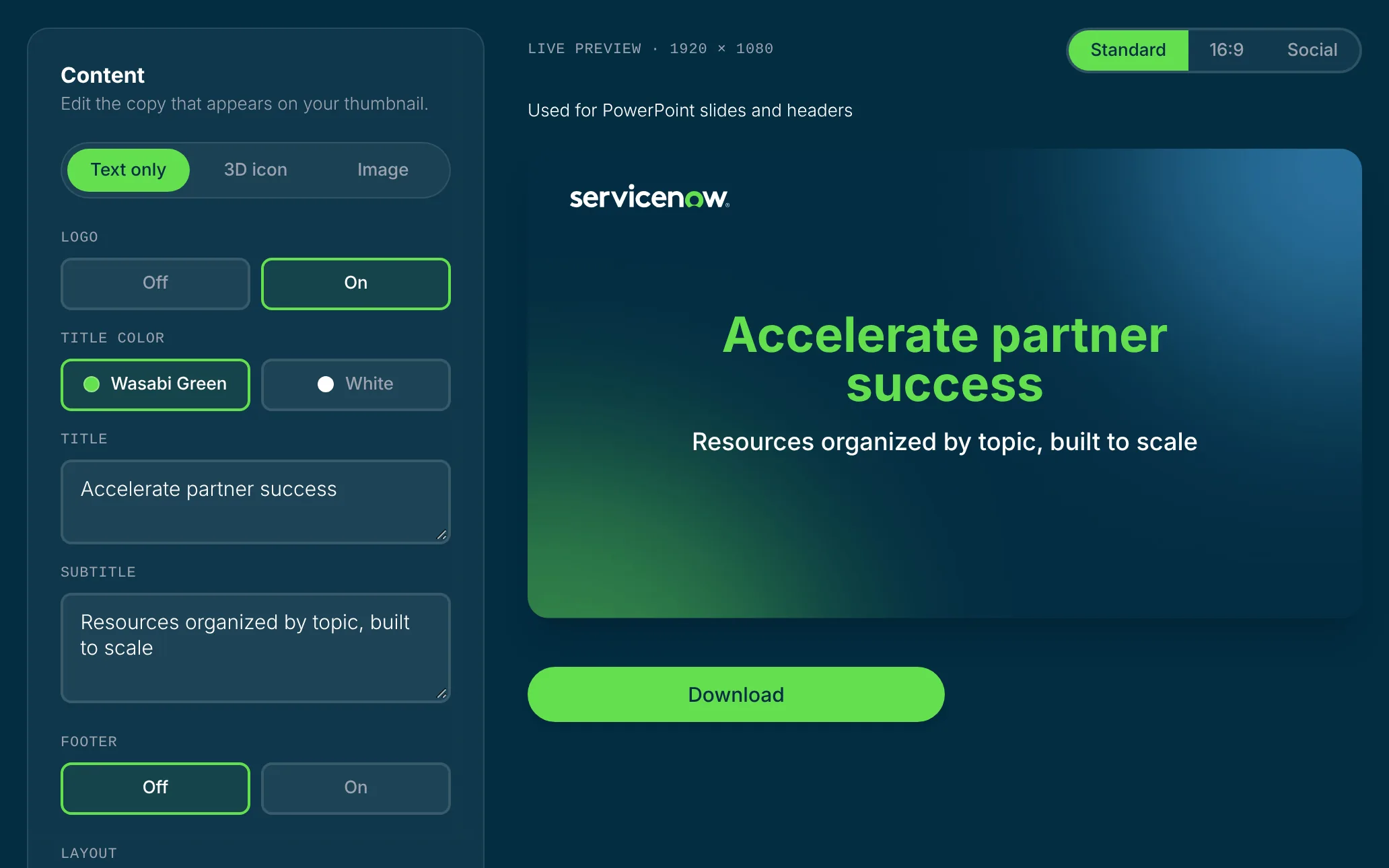
Guardrails over a blank canvas
The people using this tool aren't designers, and every open-ended option is a chance to go off brand. So I took options away:
- Locked type: sizes follow the brand's 1:2:4 scale. People control the words and the title color, not the sizes.
- Curated assets: nine backgrounds and a curated set of 3D icons, with no brand-element uploads.
- A simpler logo control: every background is dark, so a Light/Dark logo toggle only offered a wrong answer. It became On/Off.
- Copy capped by rendered rows, not characters: 30 wide letters fill more space than 30 narrow ones. Titles get two rows and subtitles three, and the preview enforces it, so overlapping text can't reach an export.

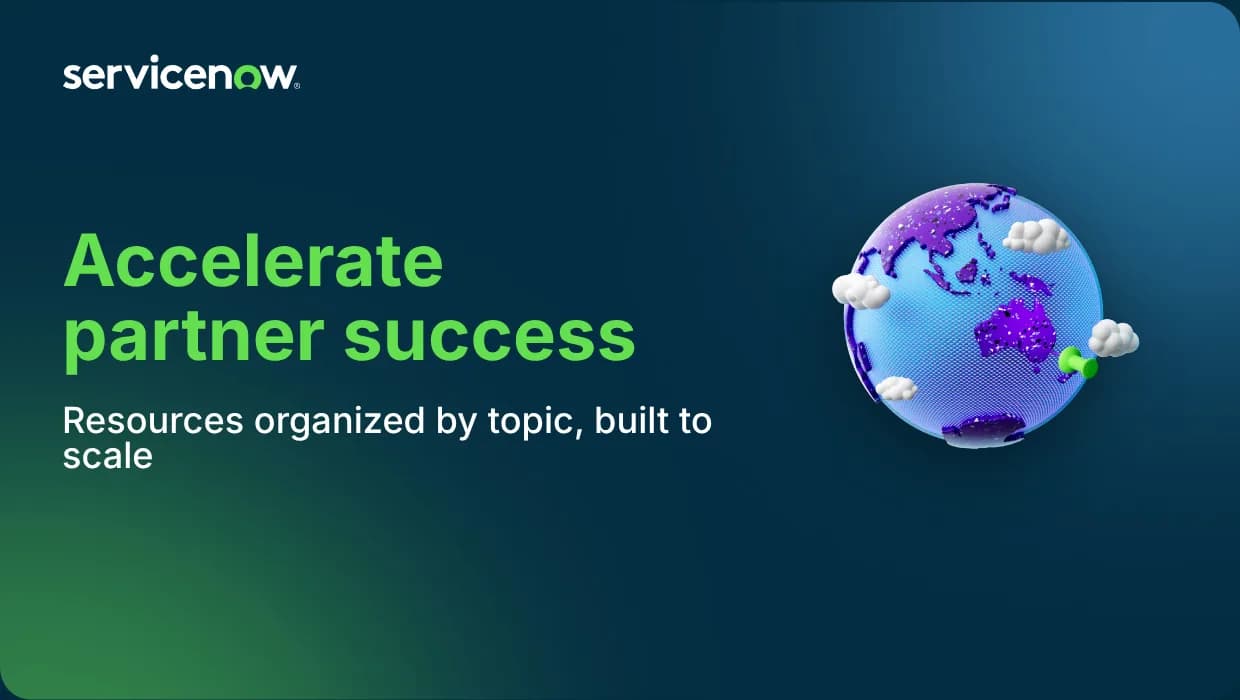
Flexibility through one control, not many
A text-scale slider from 100% to 175% moves the headline and subhead together, so the brand ratio holds at every setting. When larger type pushes the subhead toward the 3D icon, the text reflows beside it; the icon is the brand anchor, so it stays put. For photos, one horizontal focal-point slider replaced a crop tool, which would have handed everyone a way to make a bad crop.

Formats named by shape, built from one canvas
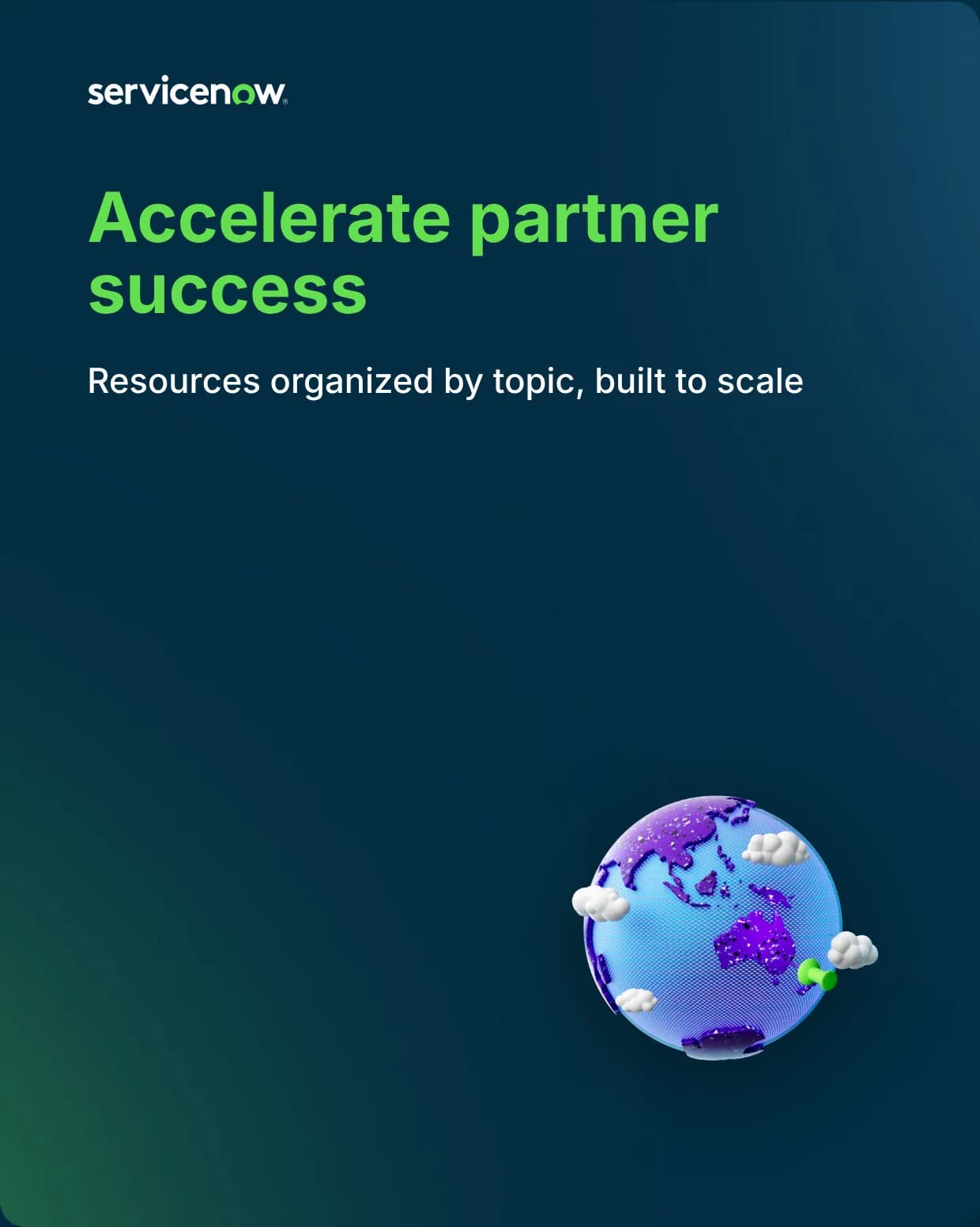
Standard and 16:9 render from one 1920×1080 canvas, so they always match. Social gets its own stacked layout, because cropping a landscape design into portrait would cut most of the composition. In every format, the preview is exactly what exports.
Impact
- Adoption: 133 of the 737 people it was rolled out to have made at least one image, 267 images between June and October.
- Speed: a thumbnail now takes 2–5 minutes instead of 20–30.
- Requests: at our usual 200 a year, I'd expect about 67 thumbnail requests in four months. We received 7, all special requests.
- Time saved: at 15–28 minutes per image, the 267 images add up to roughly 65–125 hours since launch.
“OMG I love this! It shows how designers can actually CREATE useful tools for everyone to use without the lengthy dev times.”
“I love that it empowers the team to create within the brand guidelines and still allows our design preferences to kick in where we want to tweak it.”
What it taught me
The decisions that mattered most were about what to take away. Every option I removed made the tool faster to use and harder to misuse. The options I did add came from real requests, so each one earned its place.